Radiology departments handle a huge amount of data every day. X-rays, CT scans, MRIs, ultrasounds—each patient visit creates images that need to be stored, viewed, reported on, and shared with doctors. Managing all of this used to mean physical films, bulky filing systems, and a lot of manual work.
Those days are mostly gone. Software systems now handle the heavy lifting. They store images, track patient information, schedule appointments, and help radiologists produce reports faster. For busy departments, this kind of support makes a real difference.
What a Radiology Information System Does
A radiology information system is the backbone of a modern imaging department. It keeps track of everything: patient details, appointment schedules, exam requests, and billing information. When a referring doctor orders an X-ray, the system logs the request. When the patient arrives, the front desk checks them in through the same system. When the scan is complete, the results are linked to the patient record.
This kind of organisation prevents mix-ups. Every scan is tied to the right patient. Reports go to the right doctor. Billing is accurate. Without a proper system, mistakes happen more easily—and in healthcare, mistakes matter.
A RIS radiology information system also helps with scheduling. It shows which machines are available, which staff are on duty, and how long each type of exam typically takes. This makes it easier to fit more patients into the day without overbooking.
The Role of PACS in Medical Imaging
Images are the heart of radiology. Storing them properly is critical. In the past, this meant rows of filing cabinets filled with physical films. Finding an old scan could take a long time, and films could be lost or damaged.
PACS medical imaging software changed that. PACS stands for Picture Archiving and Communication System. It stores all images in a central database. Radiologists can pull up any scan in seconds, whether it was taken yesterday or five years ago.
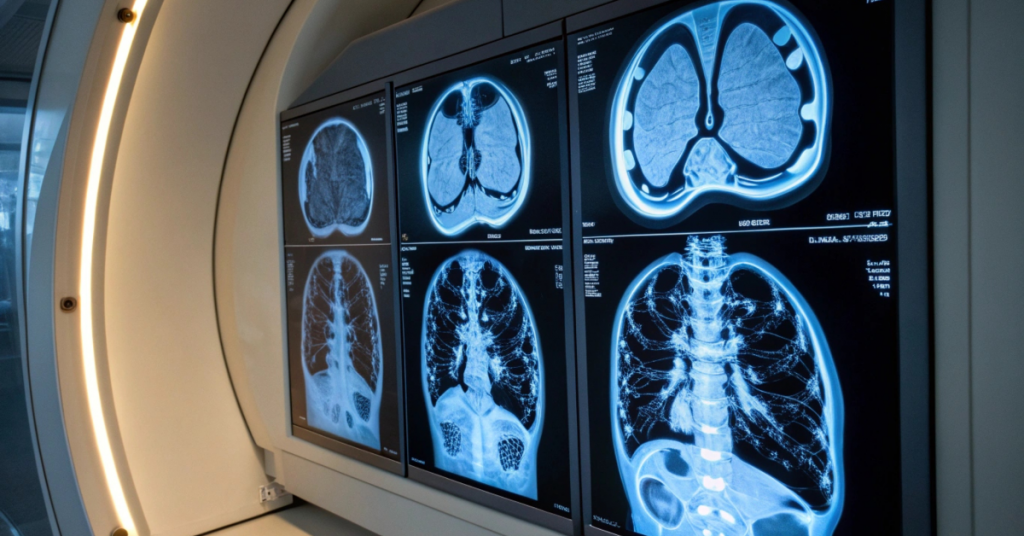
PACS imaging software does more than just store images. It allows radiologists to view scans on high-quality monitors, zoom in on details, adjust brightness and contrast, and compare current images with previous ones. This makes it easier to spot changes over time—an important part of diagnosing many conditions.
Because images are stored digitally, they can be shared easily. A radiologist in one building can send a scan to a specialist in another city within minutes. This speeds up consultations and helps patients get answers faster.
Making Workflow Smoother
A busy radiology department can feel chaotic. Patients arrive. Orders come in. Machines run constantly. Reports need to be written and sent. Keeping everything running smoothly takes effort.
Good radiology workflow software helps manage this complexity. It tracks each step of the process, from the moment an exam is requested to the moment the final report is delivered. Staff can see at a glance which exams are waiting, which are in progress, and which are complete.
This visibility reduces delays. If a report is overdue, the system flags it. If a machine goes down, schedulers can quickly reassign patients. If a scan is urgent, it moves to the top of the queue.
PACS radiology software fits into this workflow. When a scan is finished, the images are automatically sent to the PACS. The radiologist receives a notification that new images are ready for review. Once the report is written, it is linked to the images and sent to the referring doctor.
Reporting Made Easier
Writing reports is a big part of a radiologist’s job. For each scan, a report describes what was seen and what it might mean. These reports go to the doctor who ordered the exam and become part of the patient’s medical record.
Radiology reporting software speeds up this process. Templates allow radiologists to fill in standard sections quickly. Voice recognition lets them dictate findings instead of typing. Built-in checklists reduce the chance of missing something important.
Reports can be signed off electronically and sent straight to the ordering doctor. No paper, no faxes, no delays. The referring doctor gets the results faster, which means the patient gets answers sooner.
Choosing the Right System
Not all systems are the same. Some are built for large hospitals with multiple imaging centres. Others suit smaller clinics with fewer patients. The right choice depends on the size of the practice, the types of exams performed, and the budget available.
Radiology information system software should be easy for staff to use. If the system is confusing, people will make mistakes or avoid using certain features. Training matters, but a well-designed system needs less training.
Integration is another factor. The radiology system should work well with other hospital systems, like the electronic medical record. When systems talk to each other, data flows smoothly. When they don’t, staff end up entering the same information multiple times.
RIS software and PACS often come from different vendors, but they need to work together. Look for systems that follow standard communication protocols. This makes integration easier and reduces headaches down the line.
Benefits for Patients and Staff
When a radiology department runs well, everyone benefits. Patients spend less time waiting. They get their results faster. Their images are stored safely and can be accessed whenever needed.
Staff benefit too. Less time is spent on paperwork and searching for files. More time is available for patient care. Fewer errors mean fewer corrections and complaints.
Radiology software also supports quality improvement. Reports and data can be analysed to spot trends. Are certain types of exams taking longer than expected? Are some machines being underused? This information helps managers make better decisions.
Looking Ahead
Imaging technology keeps advancing. Scanners produce higher-quality images. New techniques allow doctors to see things that were invisible before. Software has to keep up with these changes.
Modern systems are built to grow. They can handle more patients, more images, and more data as the department expands. Cloud-based options allow access from anywhere, which is useful for radiologists who work across multiple sites.
Security is a growing concern. Patient data must be protected from breaches. Good systems include strong access controls, encryption, and audit trails that track who viewed what and when.
Getting Started
For departments still relying on older methods, making the switch can feel like a big step. But the benefits are clear. Better organisation, faster reporting, safer storage, and smoother workflows all add up.
The first step is understanding what the department needs. Talk to staff about their pain points. Look at where time is being wasted. Consider what features would make the biggest difference.
From there, it is a matter of finding the right system, planning the transition, and training the team. The effort pays off quickly. Once everything is running on a proper system, the old way of doing things seems impossible to go back to.