Most business owners know they need a POS system. But there’s a gap between knowing you need one and understanding what it actually does for you once it’s set up. If you’ve been running on cash-only or a basic card reader, switching to a proper system can feel like a big step. This blog breaks down what happens day to day when you have a point of sale system in place.
Think of a POS system like the central nervous system of your business. Every sale, every stock movement, every refund passes through it. It’s not just a machine you tap a card on, it’s the place where your sales data, your inventory, and your customer activity all come together in one spot.
Processing Payments Faster and More Accurately
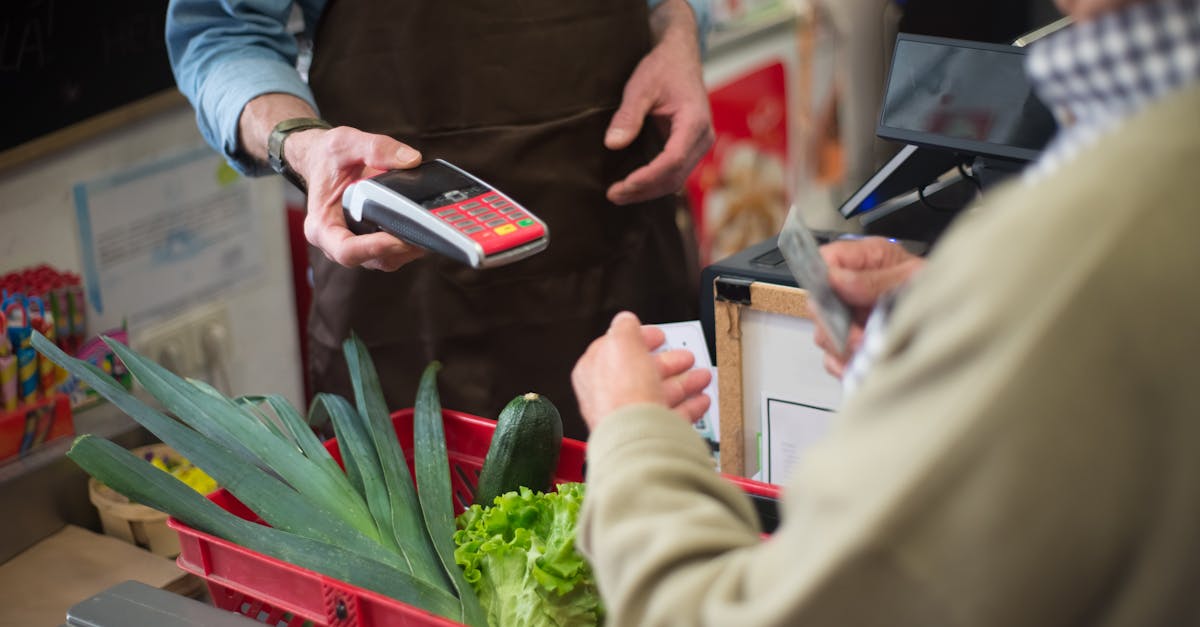
The most visible function of any POS setup is taking payments. This includes card payments, mobile payments, and cash, all processed through the same system. Staff don’t need to manually calculate change or write receipts by hand. The system handles it, and a digital receipt can be sent straight to a customer’s email.
Speed matters here. Long queues cost sales. When a transaction takes ten seconds instead of two minutes, customers notice, and so does your revenue at end of day.
Tracking Stock in Real Time
Every time a product is sold, a good POS system removes it from your inventory count automatically. You don’t need to physically count stock every night to know what’s running low. You can log in and see exactly how many units of each product are left, right now.
This matters most for businesses that carry a lot of SKUs, clothing retailers, food and beverage operations, pharmacies, hardware shops. Missing stock means missed sales. Overstocking ties up cash. Real-time tracking keeps you in the middle.
Managing Staff and Shifts
A POS system can also handle staff clock-ins, sales per employee, and permission levels. A cashier might only see the sales screen, while a manager can access reports and voids. This separation of access isn’t just about security, it makes auditing much simpler if something goes wrong.
Some systems track which staff member processed each transaction. If a register is consistently short at the end of a shift, you can isolate where the problem sits. That’s a lot more useful than a general shortfall with no trail.
Running End-of-Day Reports
At close of business, instead of manually tallying up a cash drawer and hoping the numbers match, a POS system generates a report. You can see total sales, payment method breakdown, what sold most, what didn’t move, and how the day compared to the same day last week.
Over time, these daily reports build into a picture of your business that’s hard to get any other way. You’ll start to notice patterns, which days are slow, which products spike on weekends, which months need more stock orders.
Handling Refunds and Exchanges
Refunds without a system can get messy. Staff have to find original receipts, manually count money back, and update stock records by hand. With a POS setup, a refund is a few taps. The system records it, updates the inventory, and keeps the account balanced.
This also helps with exchanges. If a customer wants a different size, the system can process the return and the new sale in the same transaction, keeping everything clean on both ends.
Connecting to Other Business Tools
Most modern systems don’t operate in isolation. A POS point of sale system can connect to your accounting software, your online store, your loyalty programme, or your supplier ordering system. When a sale happens in-store, it can automatically sync with your books and reduce stock across all your channels.
This kind of integration cuts down on manual data entry, which is one of the biggest sources of human error in small businesses. Instead of exporting a spreadsheet and uploading it somewhere else, the data moves on its own.
What Happens at Month End
Beyond the daily picture, a POS system gives you monthly data without extra effort. You can pull a report showing your top-selling products, your busiest hours, your average basket size, and your total revenue per payment type.
This information is genuinely useful when you’re making decisions, whether to stock more of a product, whether to hire extra help for a busy period, or whether a promotion actually moved units.
Getting Set Up Without Disrupting Your Business
One concern many business owners have is the setup process. Will they have to shut down for a few days? Will staff need weeks of training? In most cases, a modern POS setup can be installed and operational within a day. Staff training on the core functions, taking payments, processing refunds, checking stock, usually takes a few hours.
The bigger adjustment is mental: getting used to checking the system instead of guessing. But once that habit forms, most business owners say they can’t imagine running without it.
Common Questions Before Switching
Do you need internet for it to work? Most systems can process transactions offline and sync when the connection comes back. It depends on the provider and the setup.
What happens if the system goes down? Good providers have failover options. Some keep a basic offline mode. It’s worth asking about this before you sign up.
Can it handle multiple locations? Yes. If you have more than one store, a POS machine setup can be configured to manage both from a single dashboard, with stock, sales, and reporting kept separate per location.
Is it just for retail? No. Restaurants, salons, service businesses, and clinics all use POS systems in different configurations. The core functions are the same; it’s the setup and integrations that differ.
A POS system doesn’t run your business for you. But it removes a significant amount of guesswork, manual work, and human error from the parts of your business that happen every single day. That’s a meaningful change for any operation, regardless of size.